





























 Back
Back



Step 1: Create a Slack App
To setup a Slack integration, first create an app through Slack platform :
From the link above, click the Create an App button and go through the process of creating an app.
On the “OAuth & Permissions” page, add the following bot token scope permissions:
app_mentions:read,chat:write,channels:history,groups:history,reactions:write.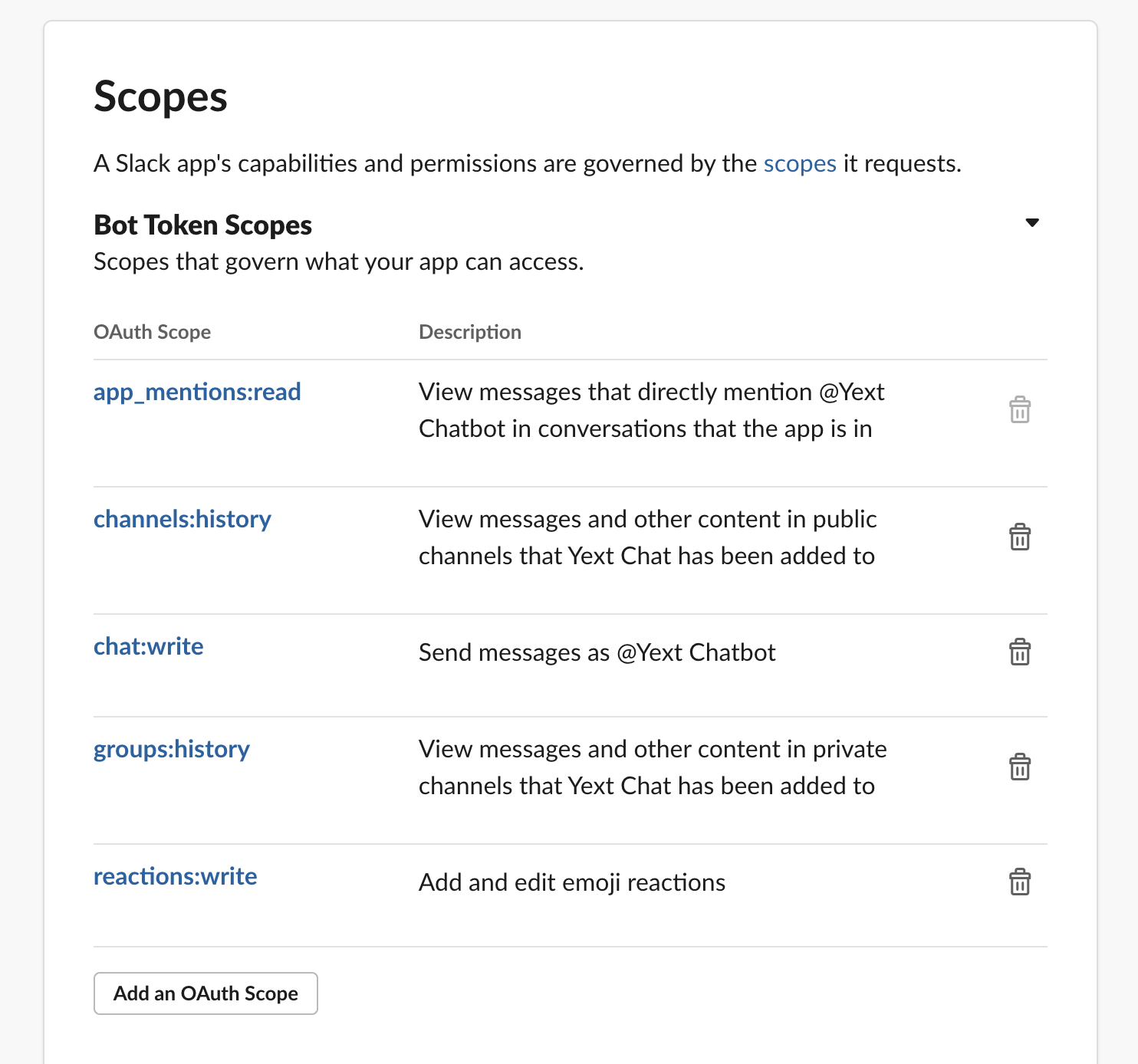
Install the app in the desired Slack workspace. You may need to request to install first if you don’t have admin permission
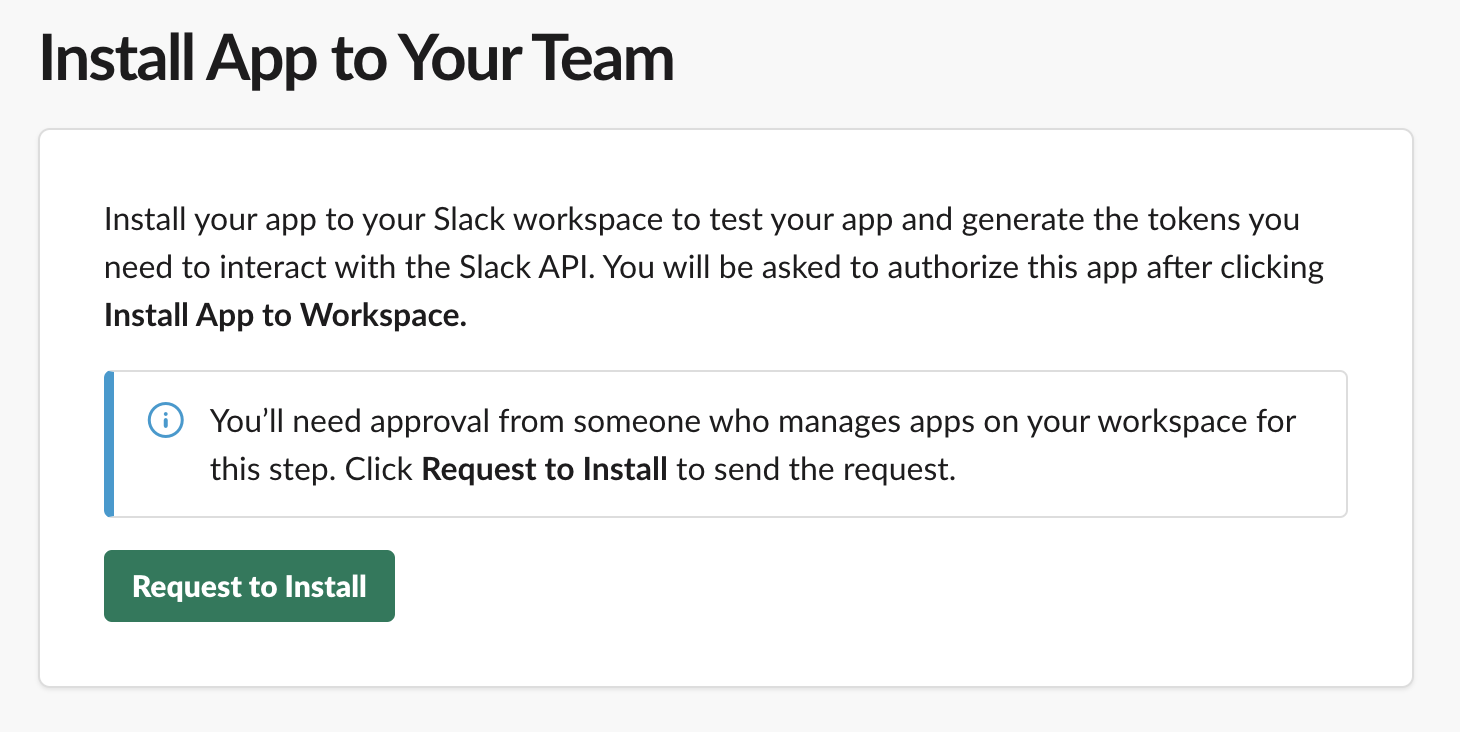
- Once you do this, Slack will generate a “Bot User OAuth Token” for the app on “OAuth & Permissions” page.
<% elem.innerText %>